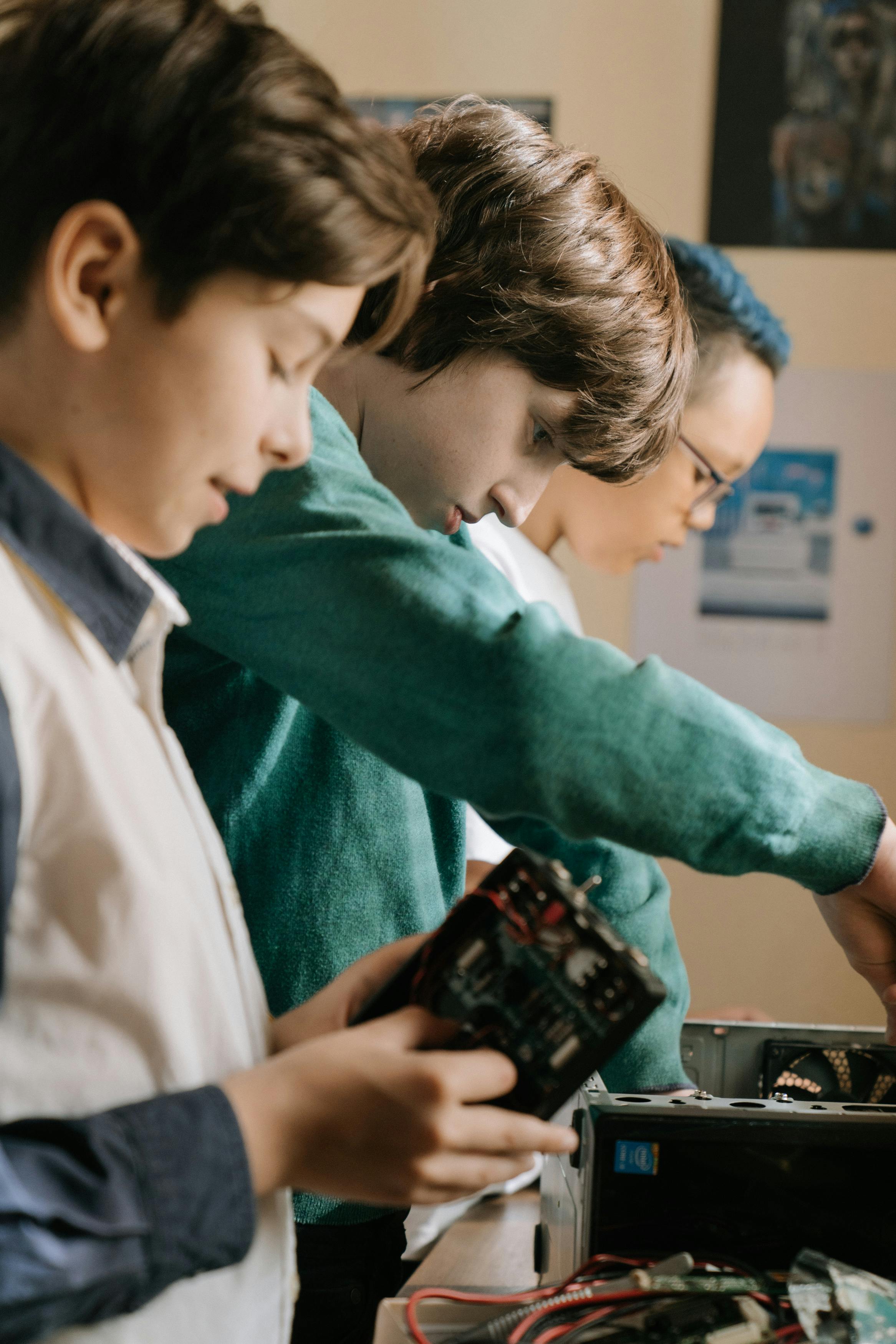
Laptops
Laptop repair & upgrade
Diagnosis and repair for slow, non‑booting or damaged laptops, including SSD/RAM upgrades where suitable.
AYYAPPA CELL ZONE offers repair and maintenance for computers, laptops, mobiles and peripherals at Bachupally, beside IOCL Petrol Pump on Mallampet Road.

Clear explanation of the issue, estimated cost and time before starting the repair.
From basic OS problems to hardware faults and peripheral issues, we focus on practical repairs that extend device life.
Diagnosis and repair for slow, non‑booting or damaged laptops, including SSD/RAM upgrades where suitable.

Fault finding for no‑display, restart and power issues, along with fresh system assembly based on your requirement.
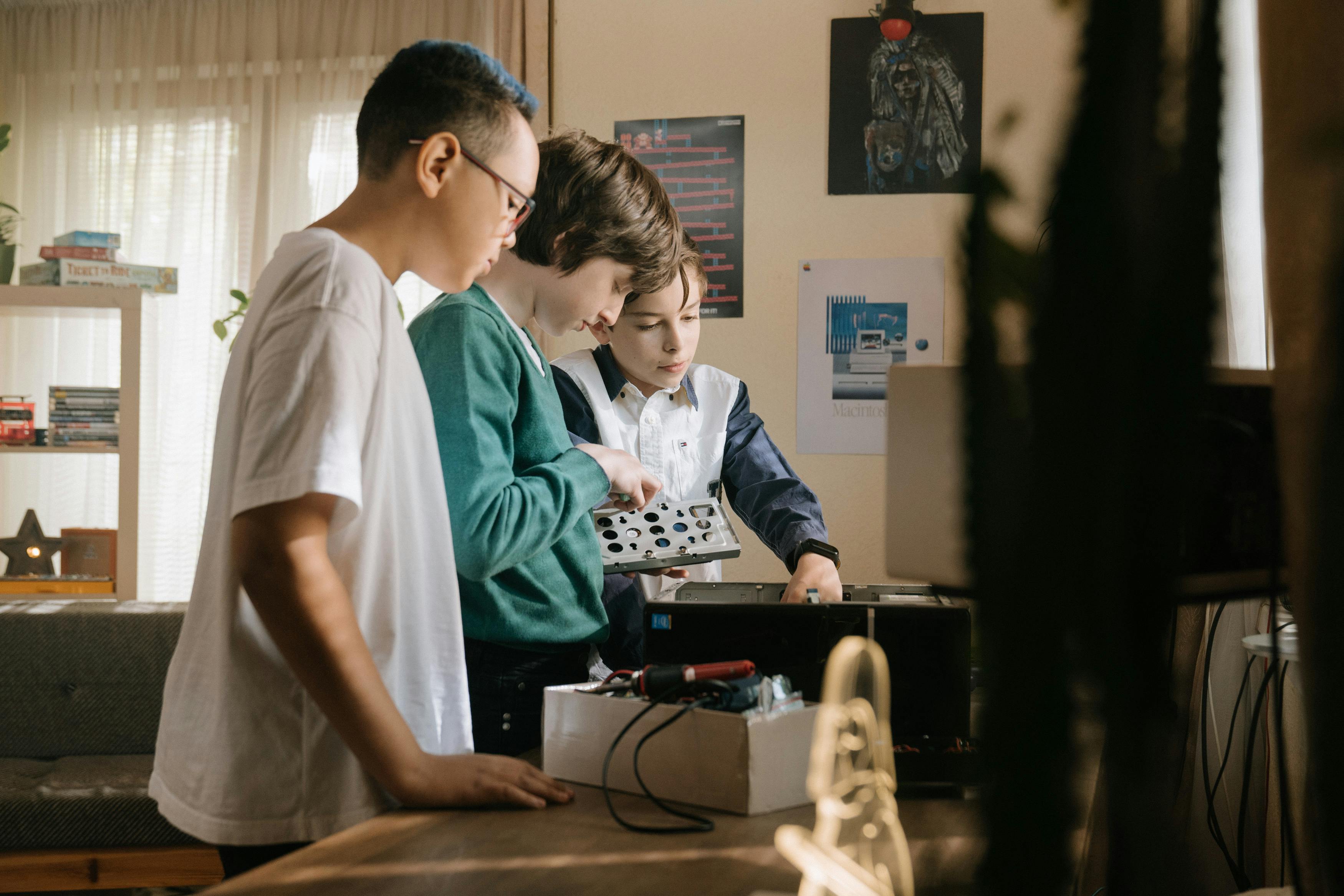
Installation and basic troubleshooting for printers, scanners, Wi‑Fi routers and other peripherals.

Support for common issues like charging, minor hardware and basic software problems on smartphones and tablets.

Operating system installation, driver fixes, virus removal and general cleanup to make systems usable again.

Honest suggestions on when to repair and when it is better to consider replacement based on device condition.
Located on Mallampet Road beside IOCL Petrol Pump, we focus on practical fixes and clear communication for every device.
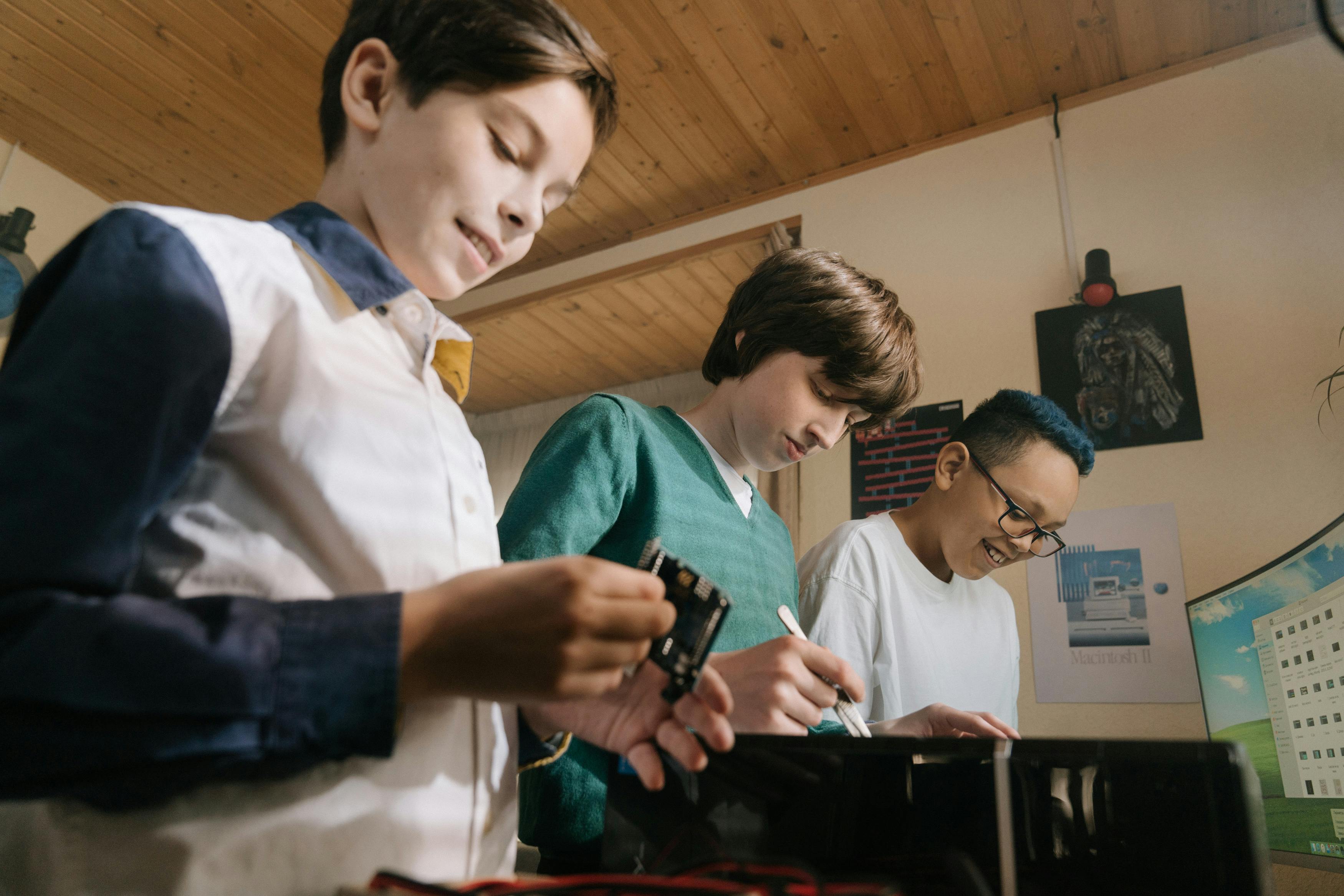
Systems are checked on‑bench so you can understand the issue and options before taking a decision.
AYYAPPA CELL ZONE was started to offer dependable repair and maintenance services for computers, laptops, mobiles and peripherals for homes and offices around Bachupally.
We focus on explaining problems in simple language, giving realistic timelines and costs instead of over‑promising, and prioritising data and safety on every job.



A closer look at our workbench, tools and the kind of issues we handle on a daily basis.

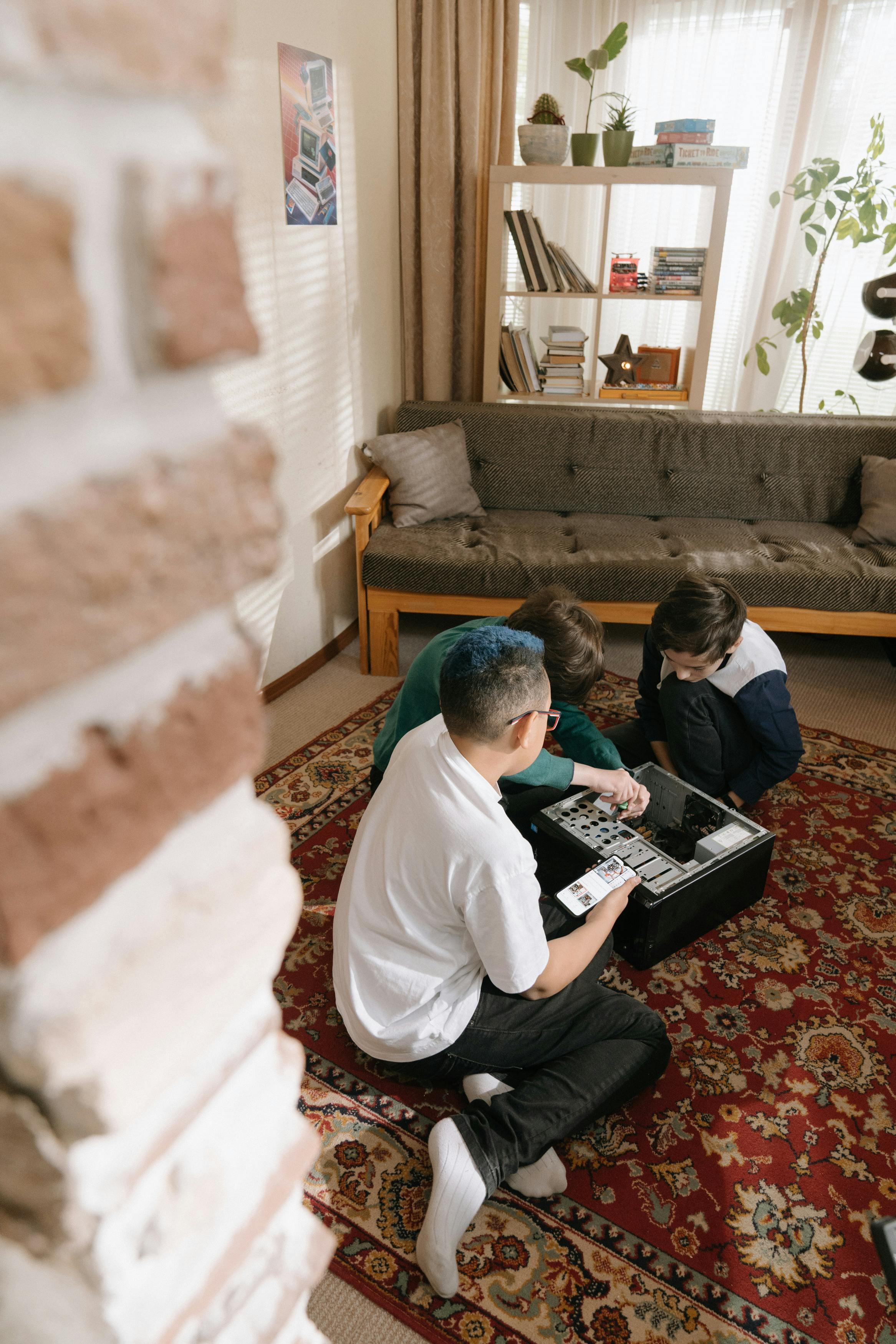

Feedback from people who brought their systems, laptops and mobiles to us for repair.



Short, practical notes to keep your systems healthier and reduce unexpected breakdowns.
Everyday things that make laptops sluggish over time and how to avoid them without becoming “techie”.
Simple backup steps you can do yourself before handing over your device for service.
A few setup and usage tips that reduce day‑to‑day issues with printers and routers.
Tell us what problem you are facing and we will share an estimated fix approach and timeline.